Mobile photography project
Through the lens of an iPhone - One photo a day selection
Through the lens of an iPhone - One photo a day selection
I started my "One photo a day" project in july 2011. For 365 days I was shooting what I saw mainly around Poznań city but also in other regions of Poland, trying to show my country, my neighbourhood and my life.
First I was using an old iPhone 3G, later I was able to buy iPhone 4s, which is my main photo camera now. All the photos were taken and edited with these two mobile devices only , with a huge help of apps like Snapseed, Camera+, PhotoToaster, PicFX etc.
I'm not happy with all the photos I took during my "One photo a day project". Many of them are really bad and boring (especcially the ones from the beginning of the project), but I learned much with every next single image.
Here is a selection of - in my opinion - the best photos from my "One photo a day" project. Feel free to comment, criticise and ask anything. Any feedback would be greatly appreciated.
First I was using an old iPhone 3G, later I was able to buy iPhone 4s, which is my main photo camera now. All the photos were taken and edited with these two mobile devices only , with a huge help of apps like Snapseed, Camera+, PhotoToaster, PicFX etc.
I'm not happy with all the photos I took during my "One photo a day project". Many of them are really bad and boring (especcially the ones from the beginning of the project), but I learned much with every next single image.
Here is a selection of - in my opinion - the best photos from my "One photo a day" project. Feel free to comment, criticise and ask anything. Any feedback would be greatly appreciated.
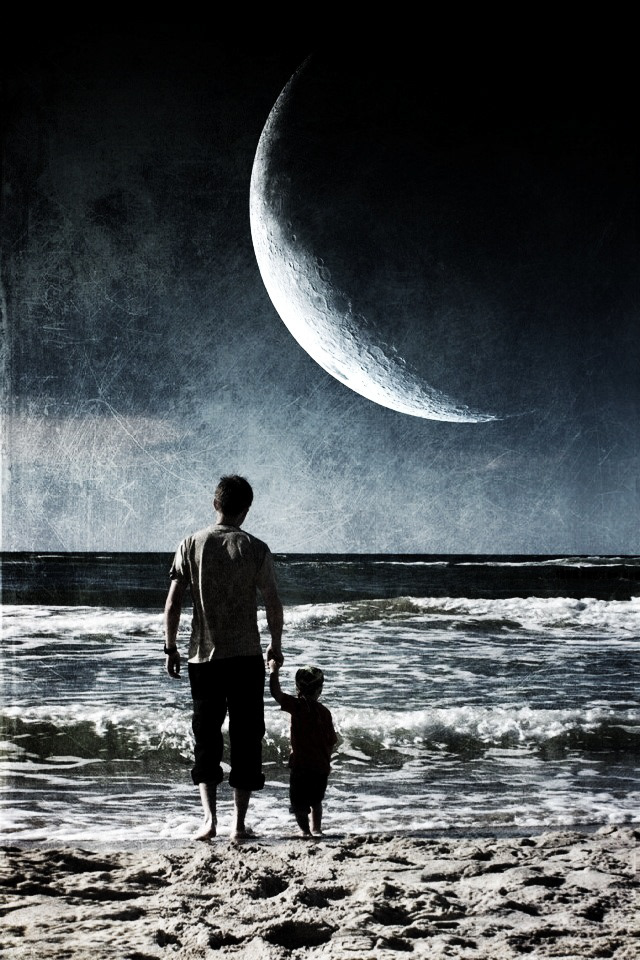
Watching the alien sky
I used PhotoWizard (Lomo, Bleach Bypass) and Alien Sky
I used PhotoWizard (Lomo, Bleach Bypass) and Alien Sky
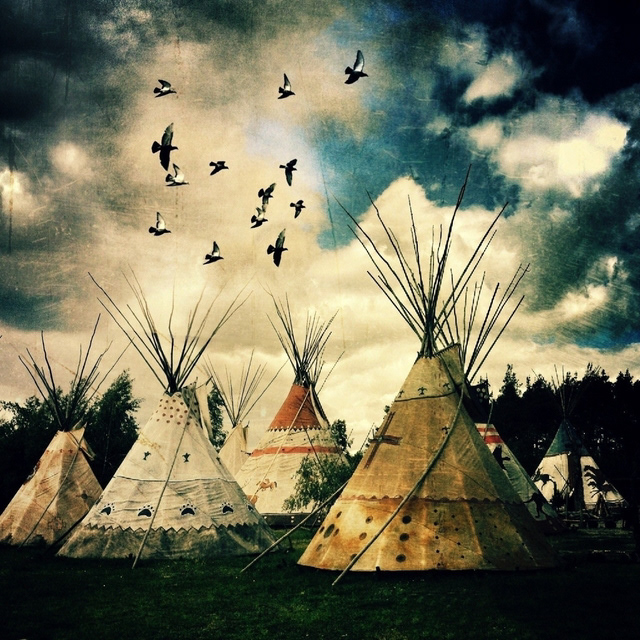
Free as birds
I used Image Blender (overlay blending mode), TouchRetouch, Snapseed (Drama1: 90%, Center Focus filter: Portrait2, Inner brightness +35, Outer brightness -86, square cropping), Picfx (Olden), Scratchcam, Camera Plus Pro (Bulge)
I used Image Blender (overlay blending mode), TouchRetouch, Snapseed (Drama1: 90%, Center Focus filter: Portrait2, Inner brightness +35, Outer brightness -86, square cropping), Picfx (Olden), Scratchcam, Camera Plus Pro (Bulge)
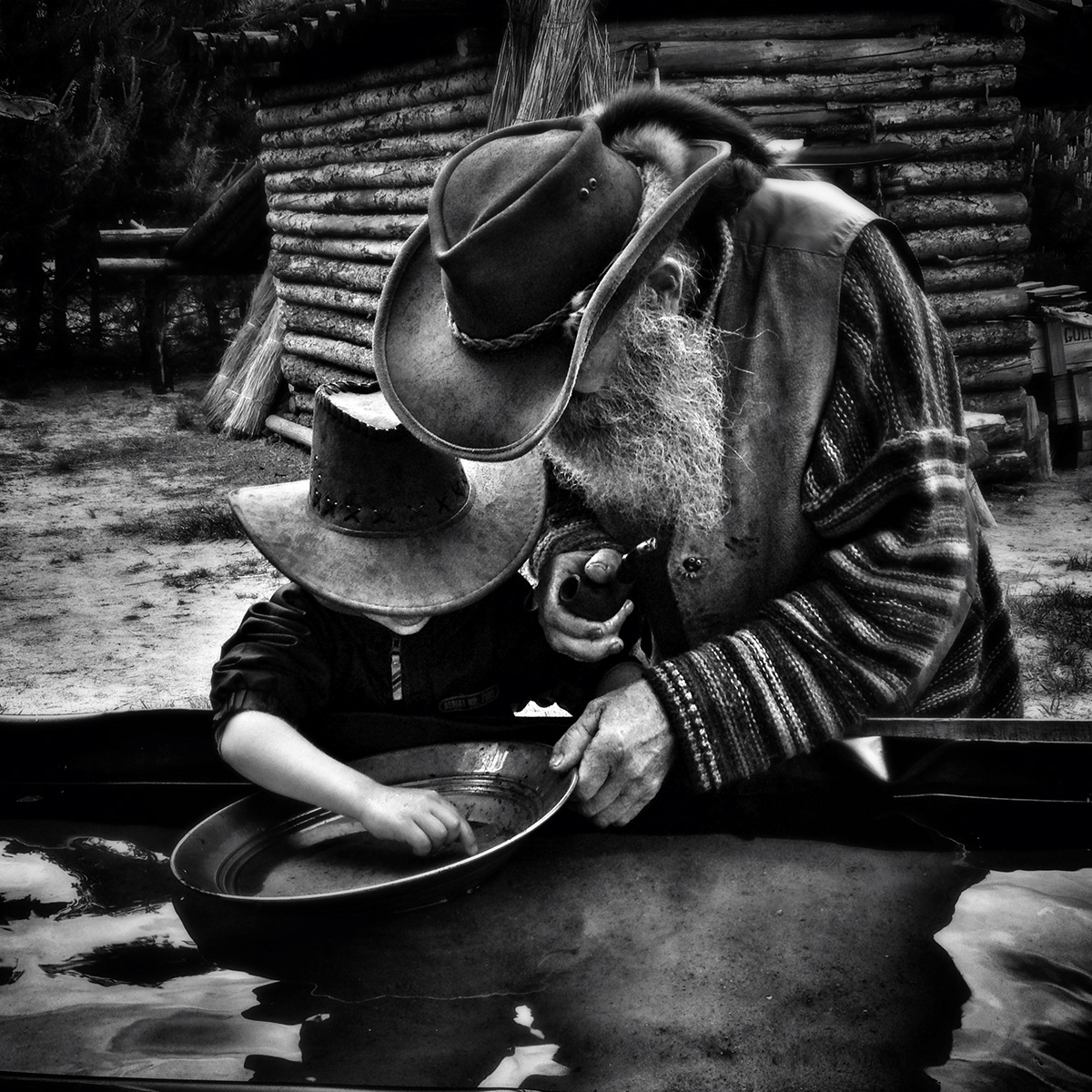
Searching for gold
I used Snapseed (drama:Dark2, Black and white:Contrast, Lighting, Center focus:Portrait 2)
I used Snapseed (drama:Dark2, Black and white:Contrast, Lighting, Center focus:Portrait 2)
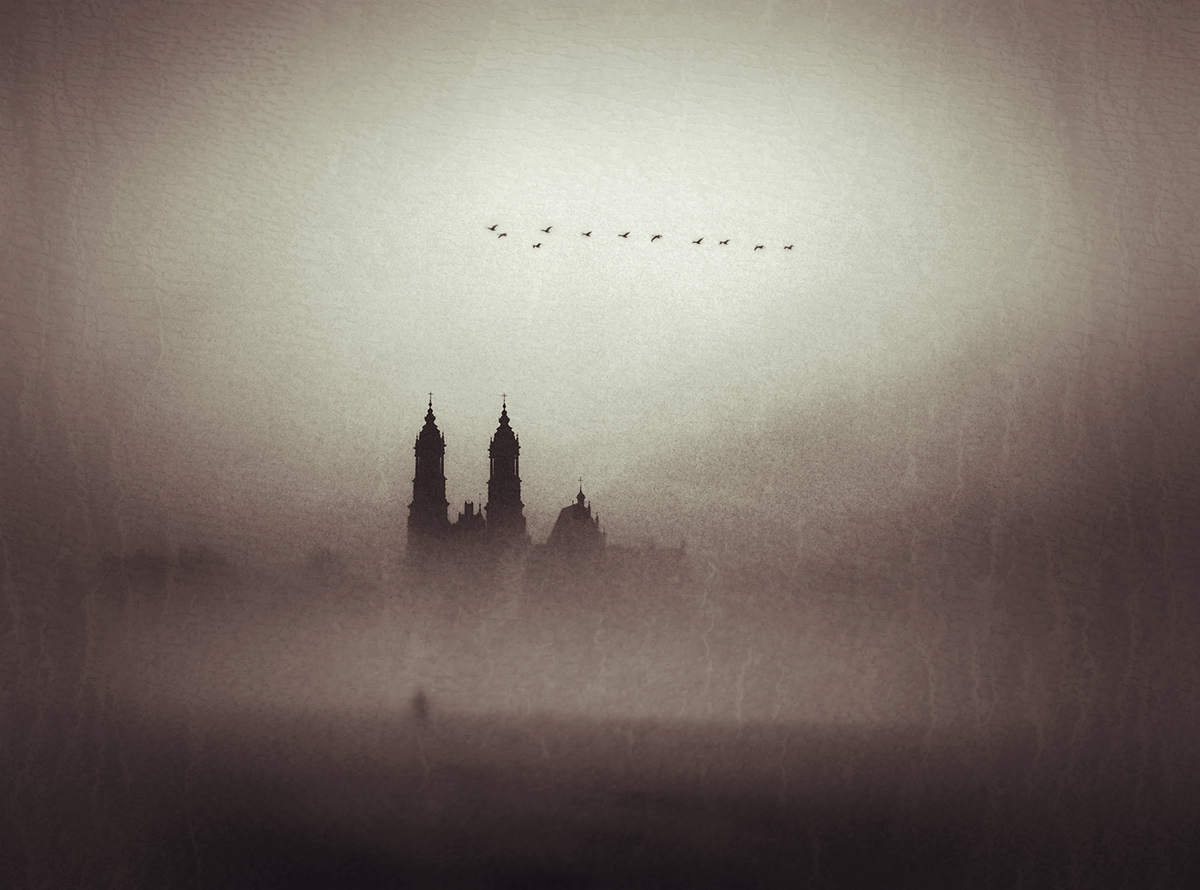
The fog
I used Snapseed (drama, center focus, grunge).
I used Snapseed (drama, center focus, grunge).
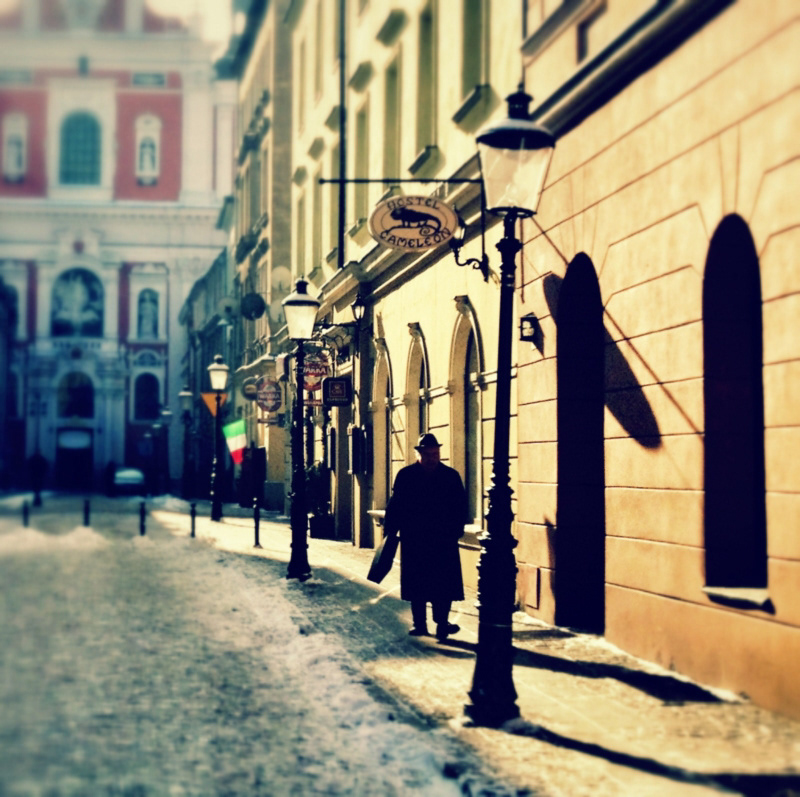
Świętosławska street
I used Snapseed (drama, grunge, focus) and Camera+ (Cross Process).
I used Snapseed (drama, grunge, focus) and Camera+ (Cross Process).
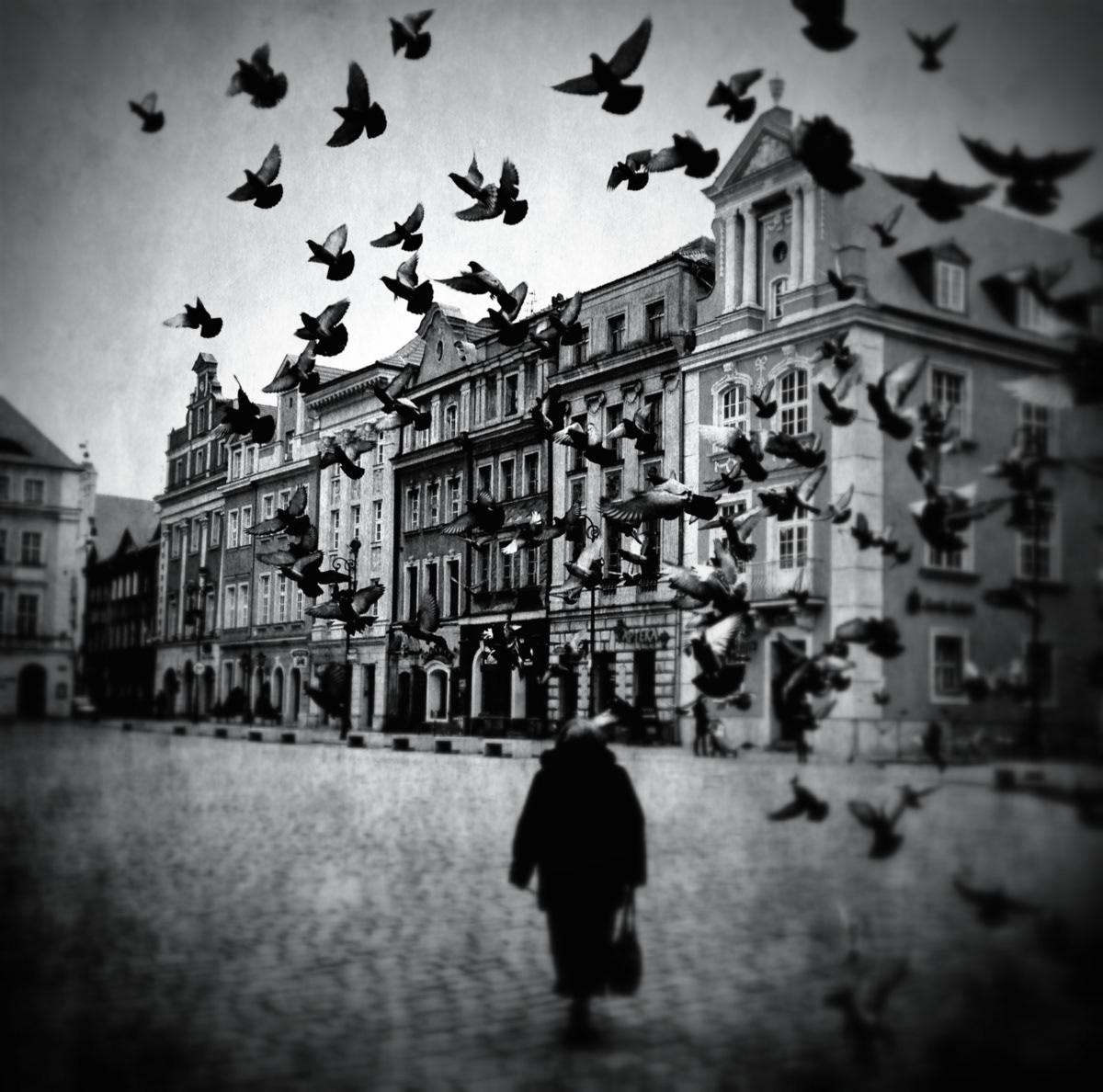
Pigeons on the old square market
I used Fast Camera, Camera Awesome, Snapseed and PhotoToaster.
I used Fast Camera, Camera Awesome, Snapseed and PhotoToaster.
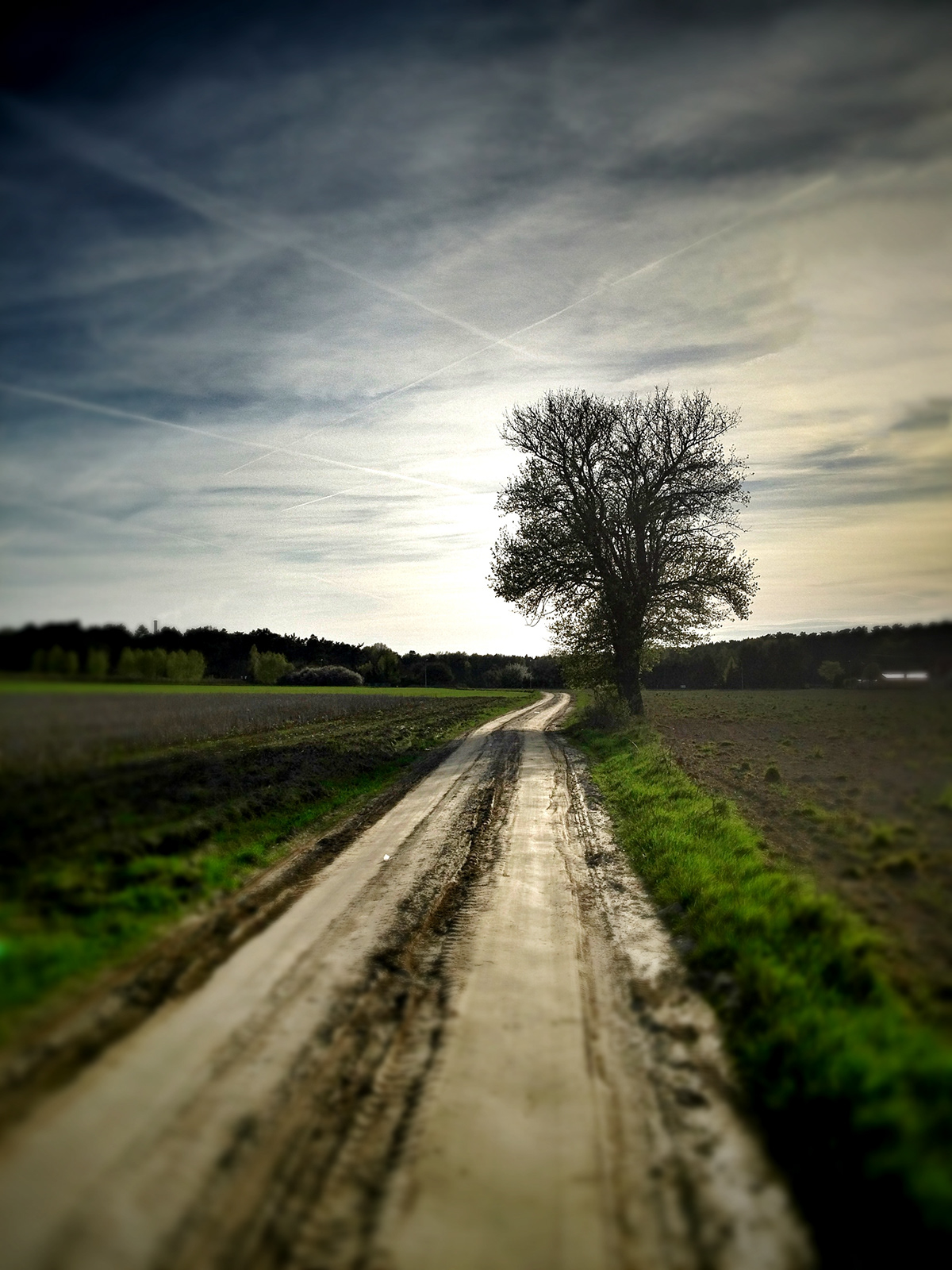
The path
I used Snapseed (Drama), PhotoToaster (Sharpen, vibrant) and TiltShiftGen.
I used Snapseed (Drama), PhotoToaster (Sharpen, vibrant) and TiltShiftGen.
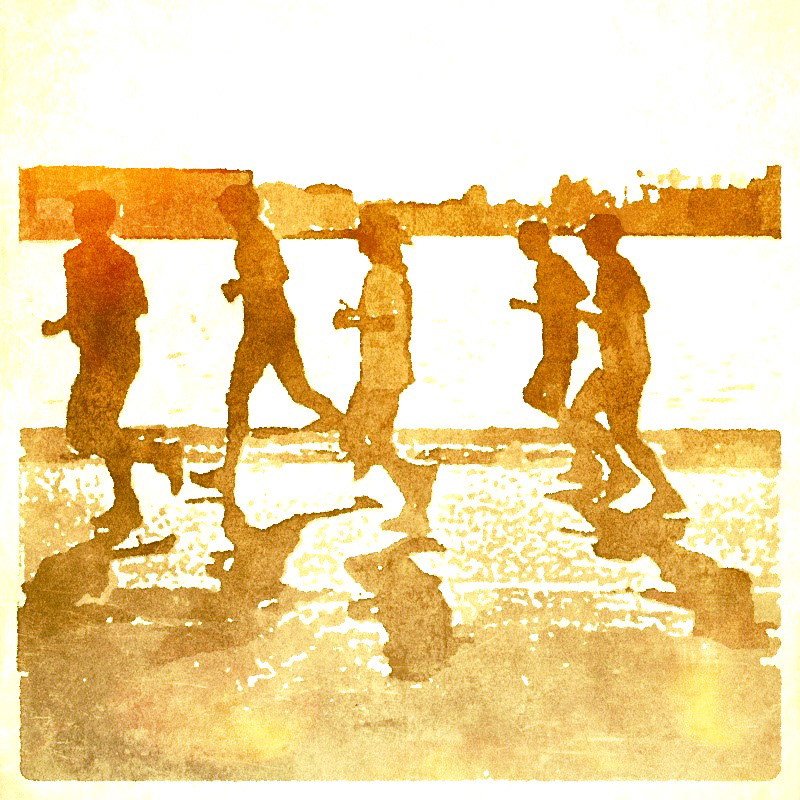
Sun runners
I used PhotoToaster (crpping, Black and white), Popsicolor, Texture+ and FX PhotoStudio (Turin)
I used PhotoToaster (crpping, Black and white), Popsicolor, Texture+ and FX PhotoStudio (Turin)
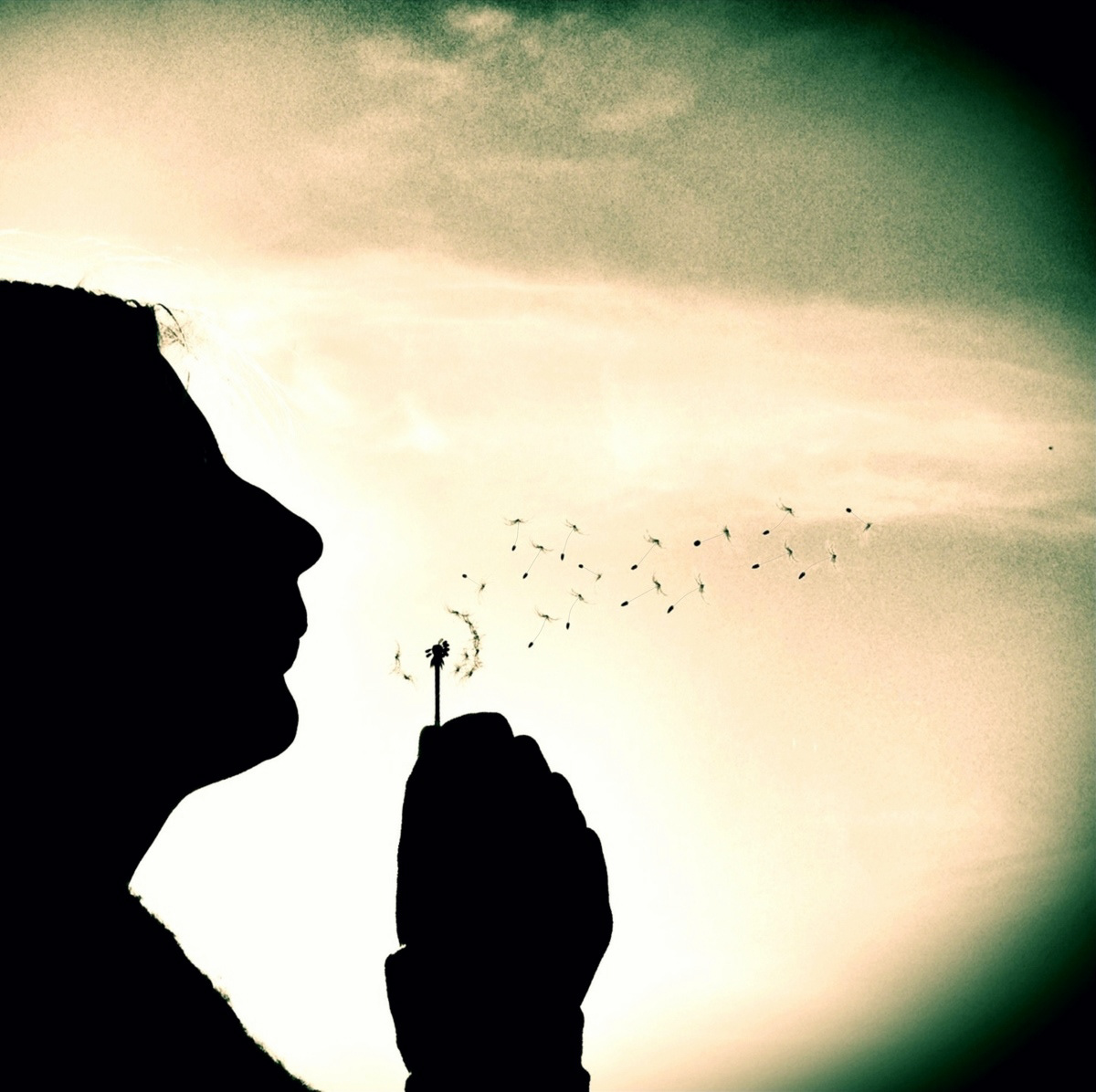
Dandelion
I used picfx (Haze), Superimpose and Camera+ (Cross Process)
I used picfx (Haze), Superimpose and Camera+ (Cross Process)
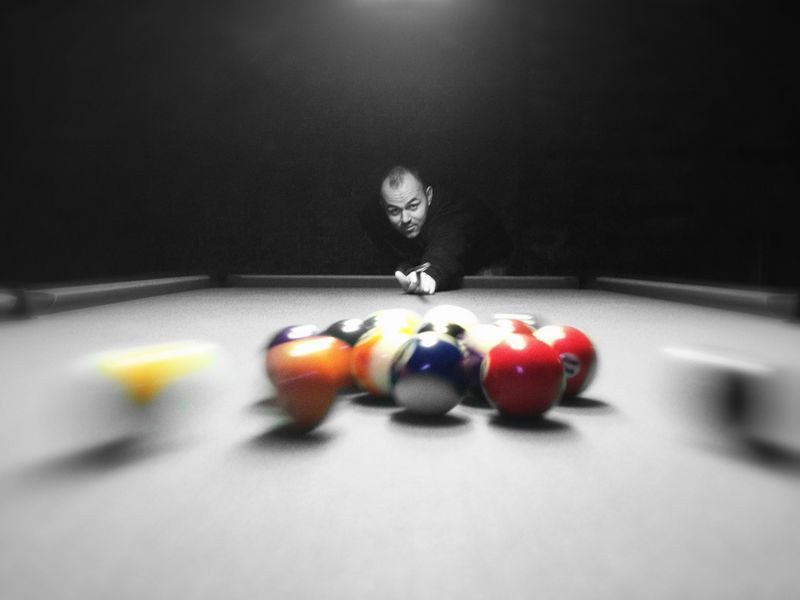
The pool
I used ColorSplash and PhotoToaster (Contrast, Deeper focus) and TouchRetouch.
I used ColorSplash and PhotoToaster (Contrast, Deeper focus) and TouchRetouch.
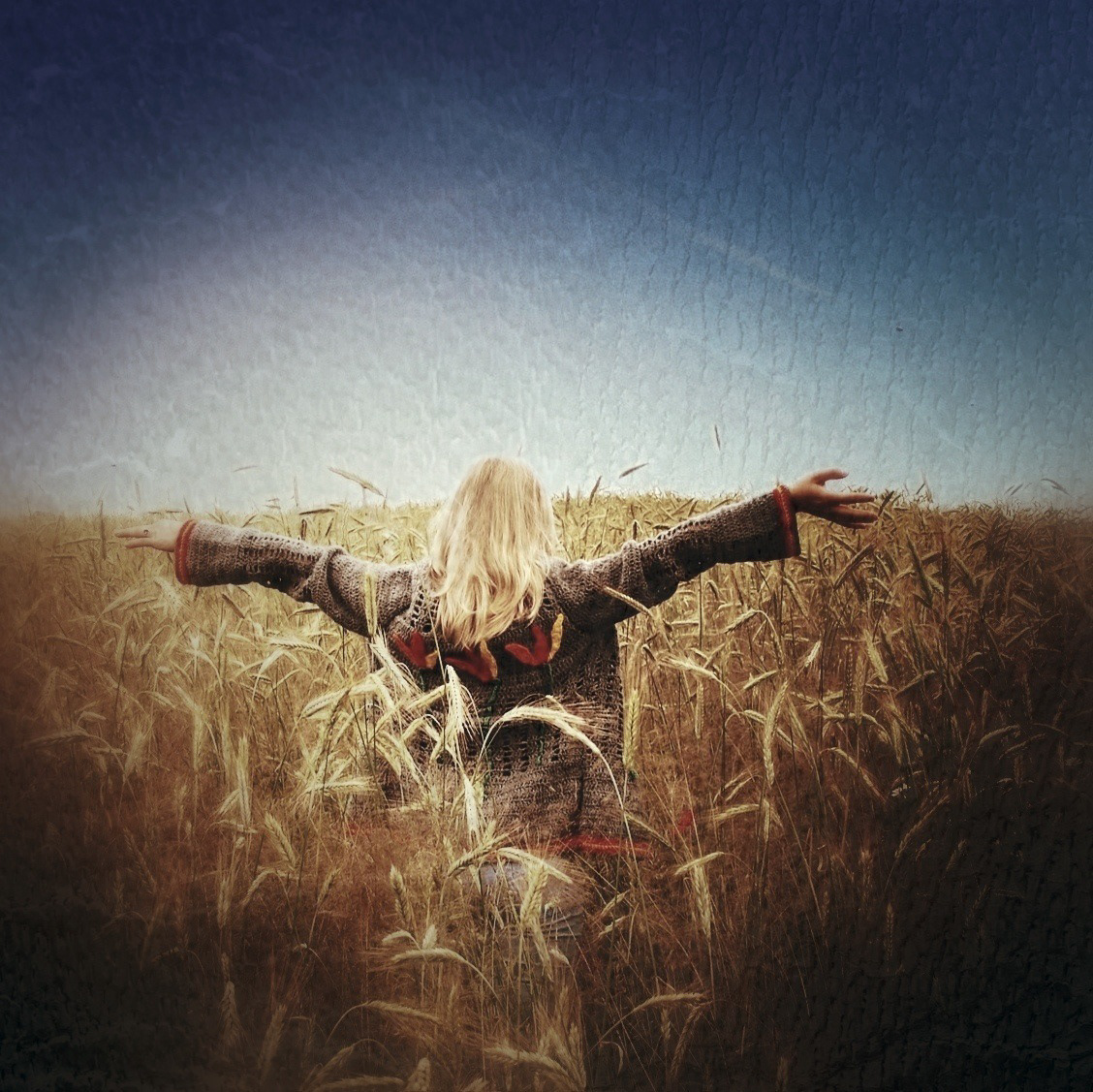
Dancing in the rye
I used Snapseed, picfx, Superimpose
I used Snapseed, picfx, Superimpose
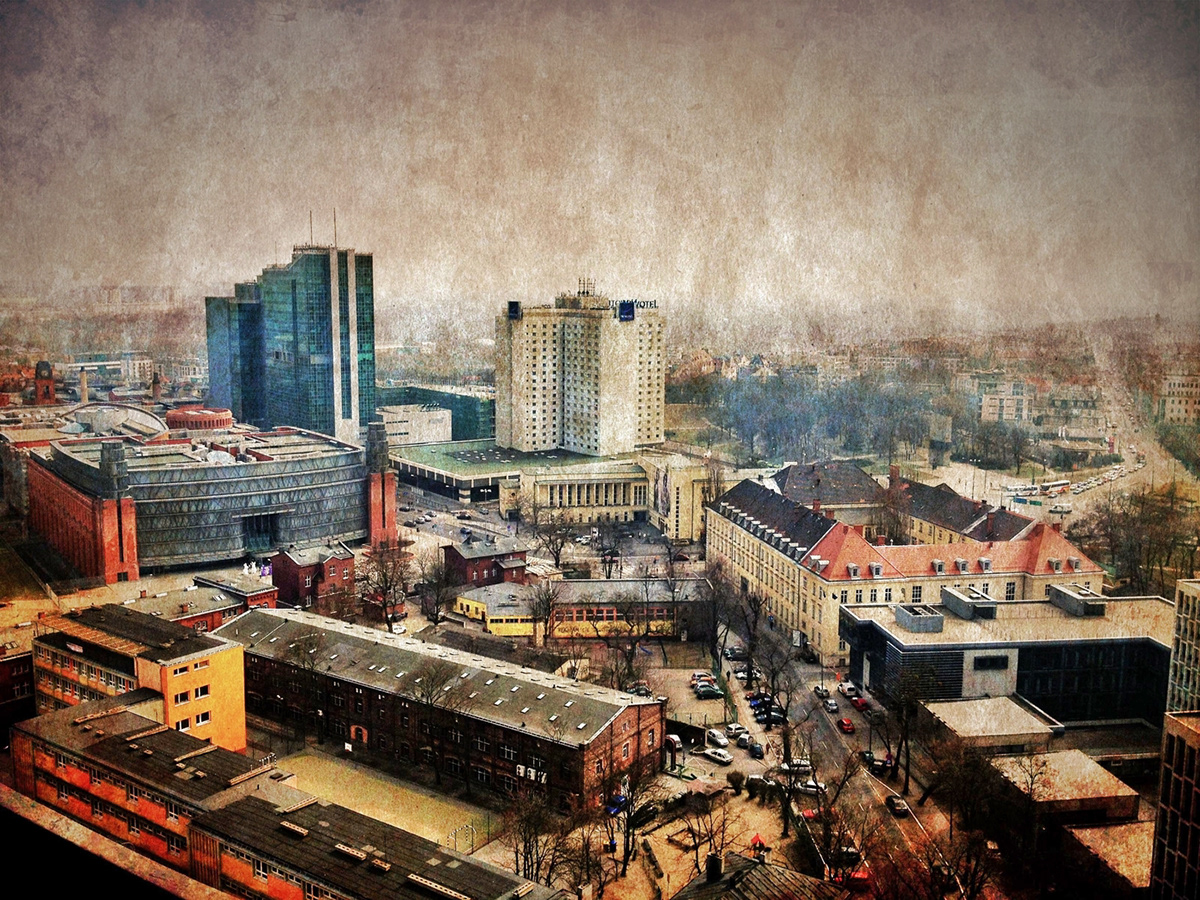
Poznań city center
I used Camera Awesome and Snapseed.
I used Camera Awesome and Snapseed.
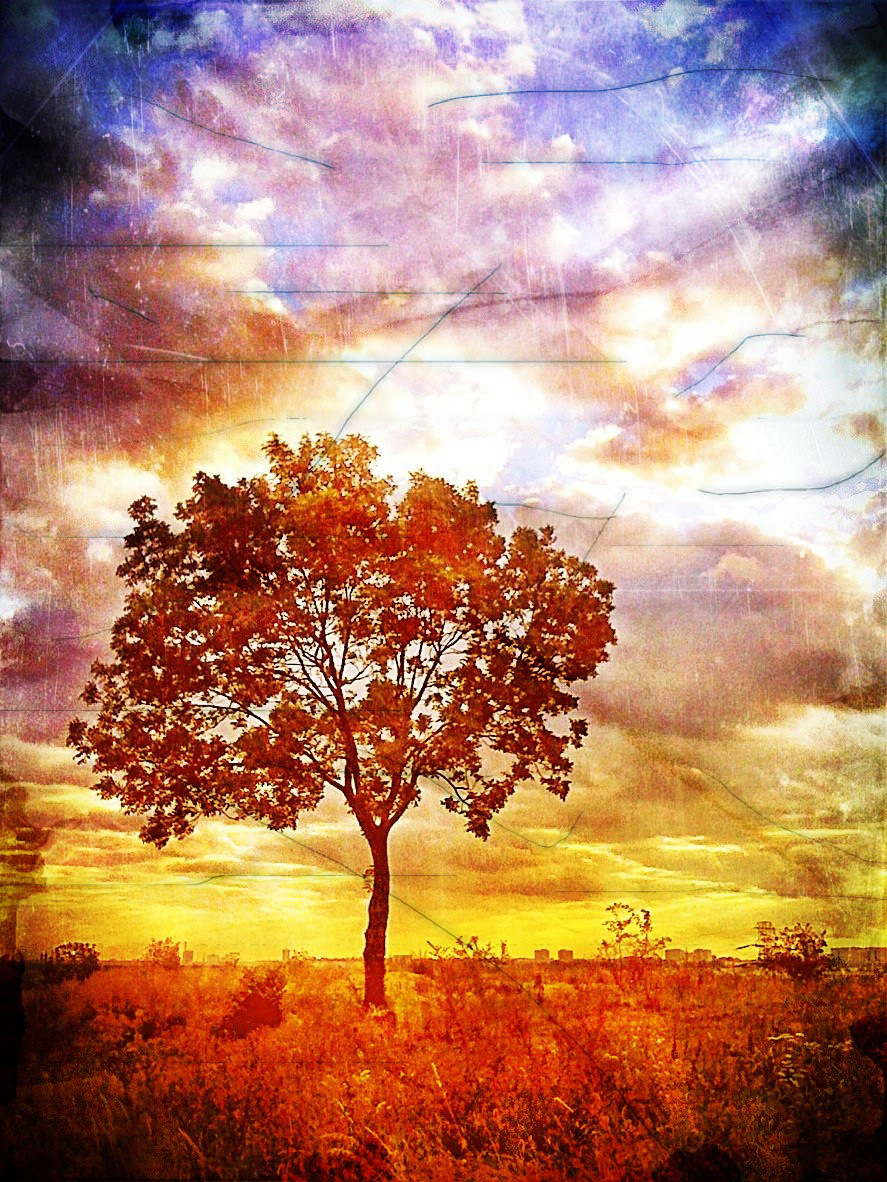
Morning glory
I used PhotoToaster (Warm, Vibrant, Medium black vignette, Antiqued), ScratchCam and FX PhotoStudio (Rainbow Pallette 1).
I used PhotoToaster (Warm, Vibrant, Medium black vignette, Antiqued), ScratchCam and FX PhotoStudio (Rainbow Pallette 1).
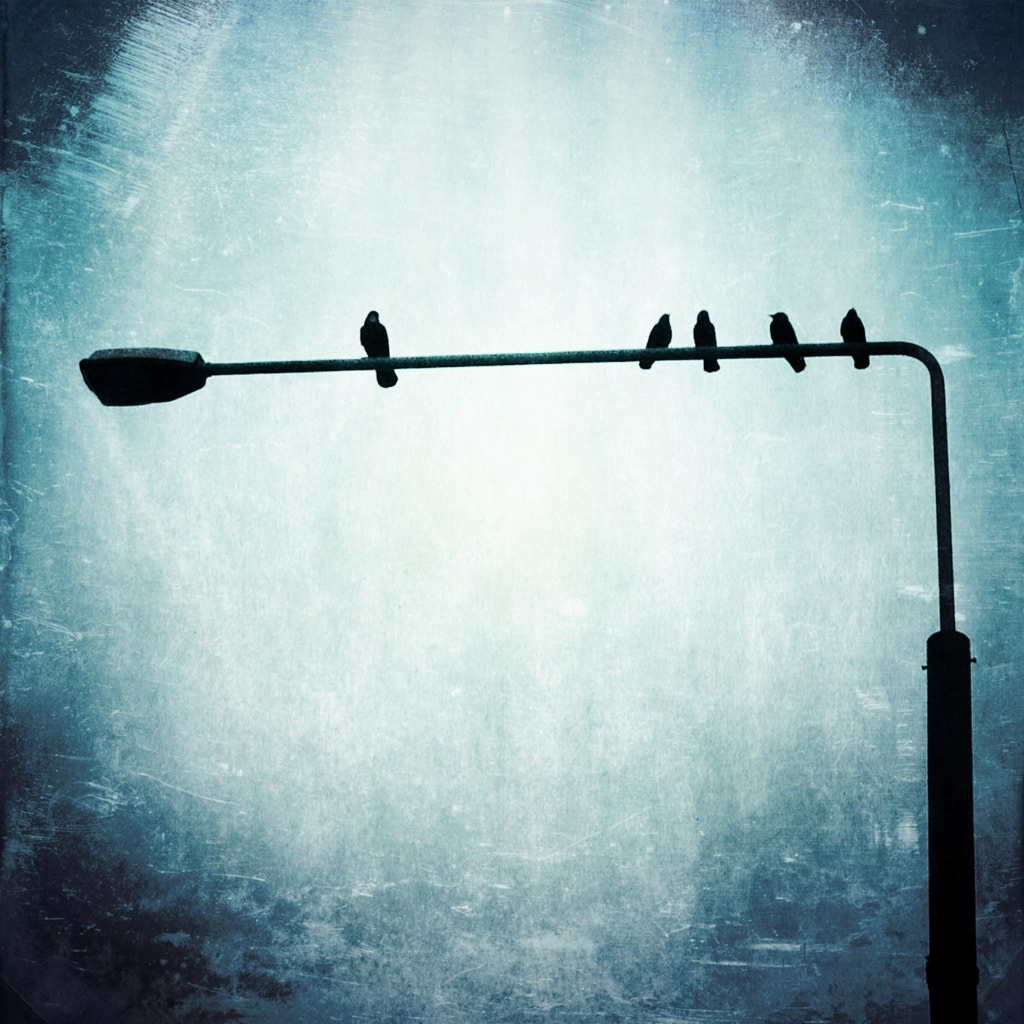
Outsider
I used Camera Awesome and qbro
I used Camera Awesome and qbro

The doors
I used Camera+
I used Camera+
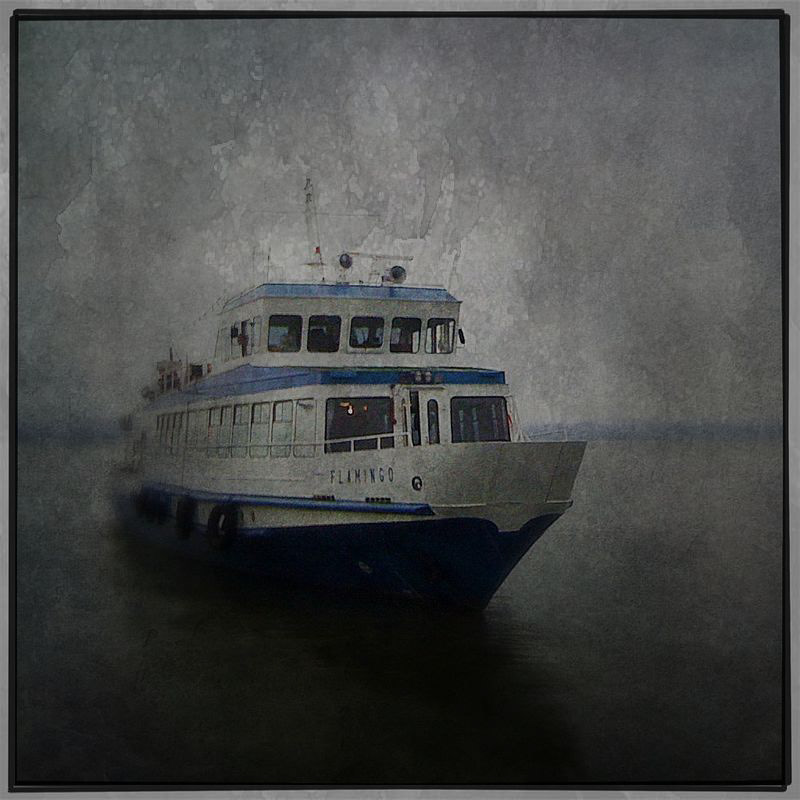
Ghost ship
I used Camera+ (Clarity), PhotoToaster (Blue Fade, Scratched), TiltShiftGen and PhotoForge2 (Texture).
I used Camera+ (Clarity), PhotoToaster (Blue Fade, Scratched), TiltShiftGen and PhotoForge2 (Texture).
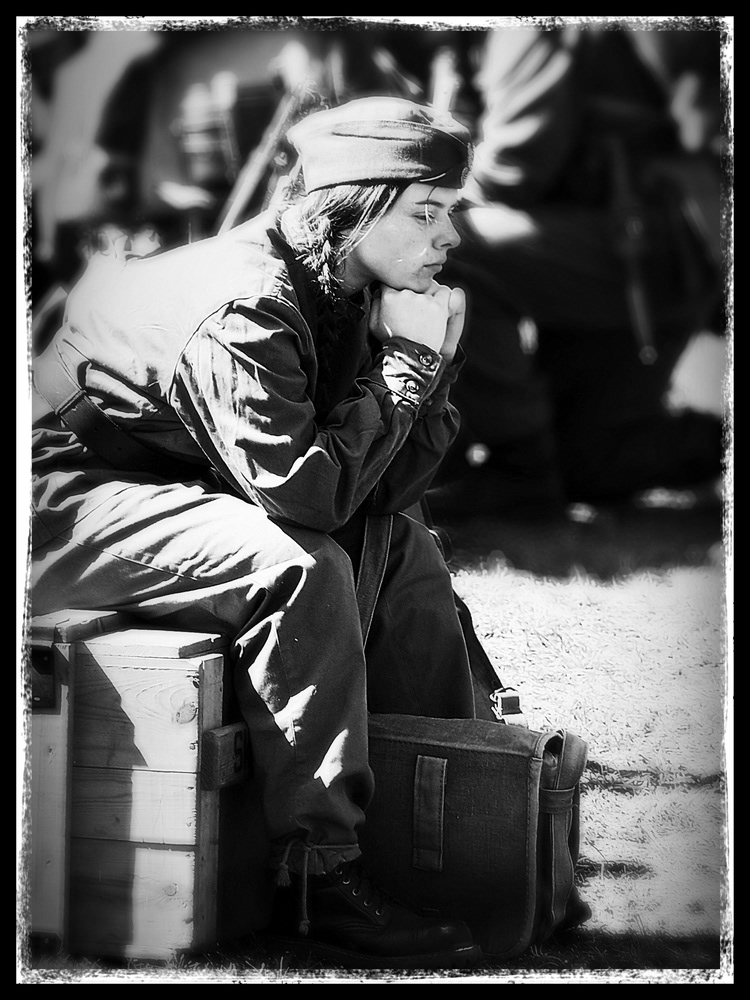
Waiting for a battle
I used Snapseed (Black and white, cropping), BigLens (F 3.2, Lomo 3) and PhotoToaster (B&W Portrait)
I used Snapseed (Black and white, cropping), BigLens (F 3.2, Lomo 3) and PhotoToaster (B&W Portrait)
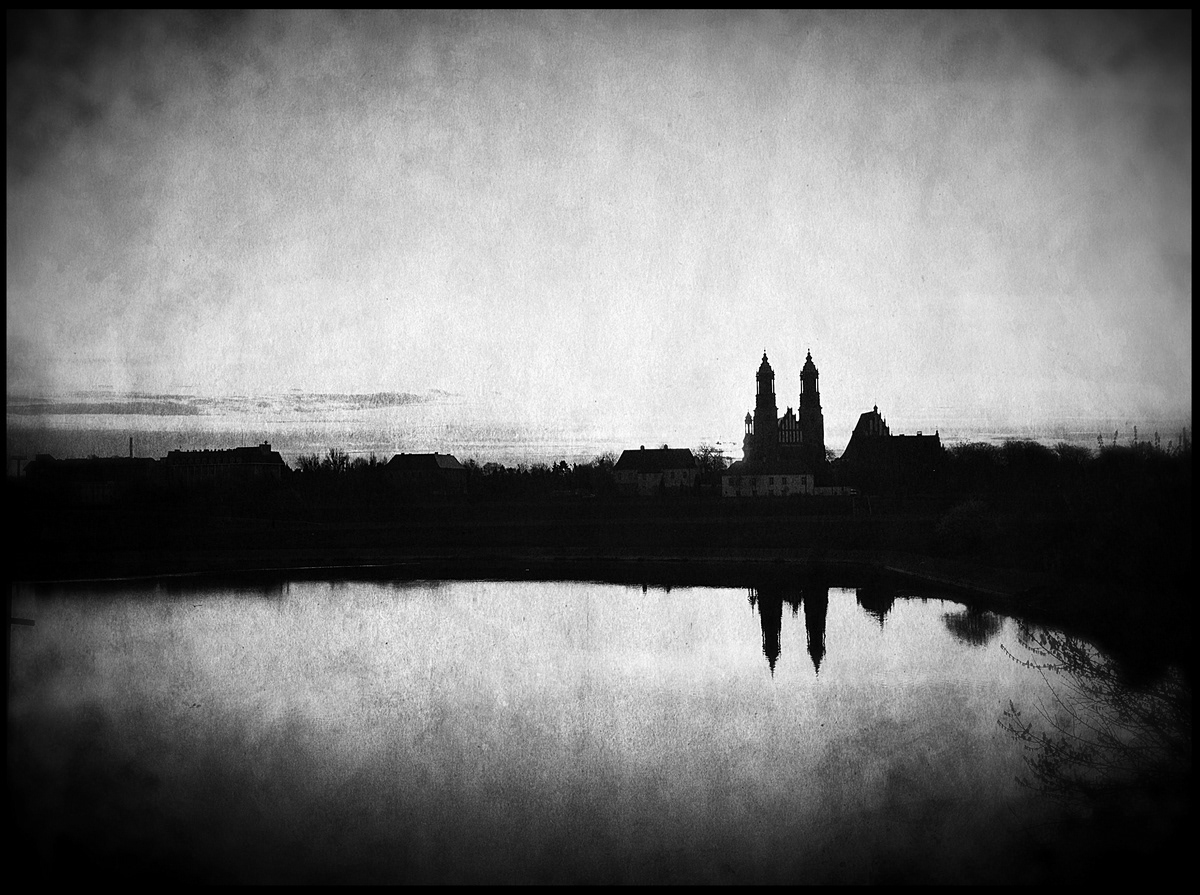
The dawn
I used Snapseed (brightness, contrast, black and white, grunge)
I used Snapseed (brightness, contrast, black and white, grunge)
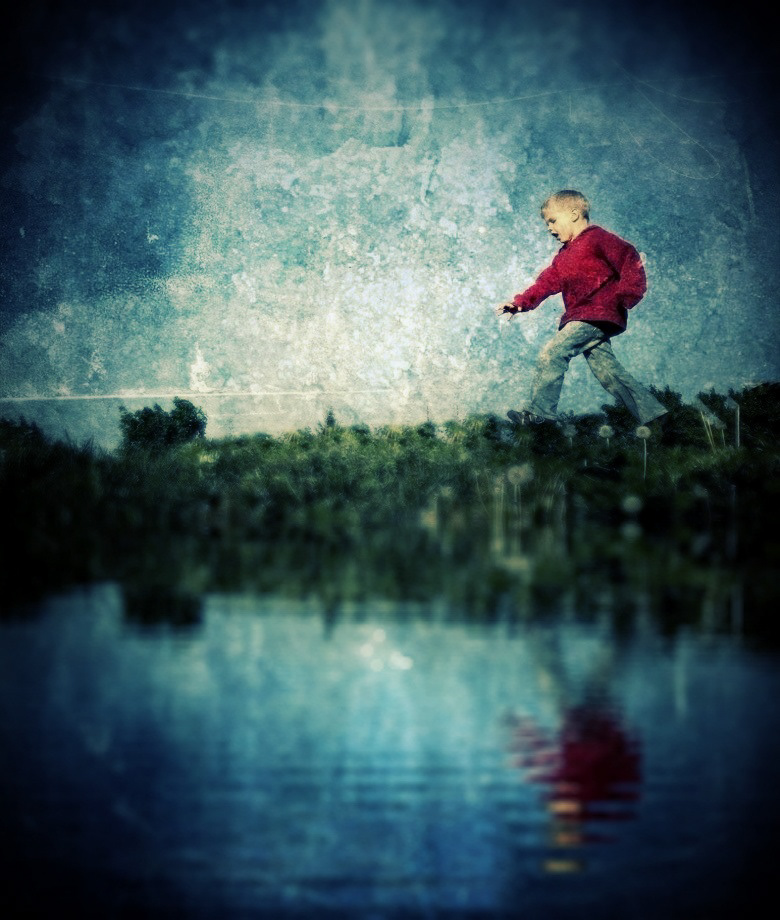
Running wild
I used PhotoForge2 (Texture, Gothic filter), ScratchCam, PhotoToaster (Recover hilights, medium black vignette, slate texture), WaterMyPhoto and BigLens (F3.5, Lomo2)
I used PhotoForge2 (Texture, Gothic filter), ScratchCam, PhotoToaster (Recover hilights, medium black vignette, slate texture), WaterMyPhoto and BigLens (F3.5, Lomo2)
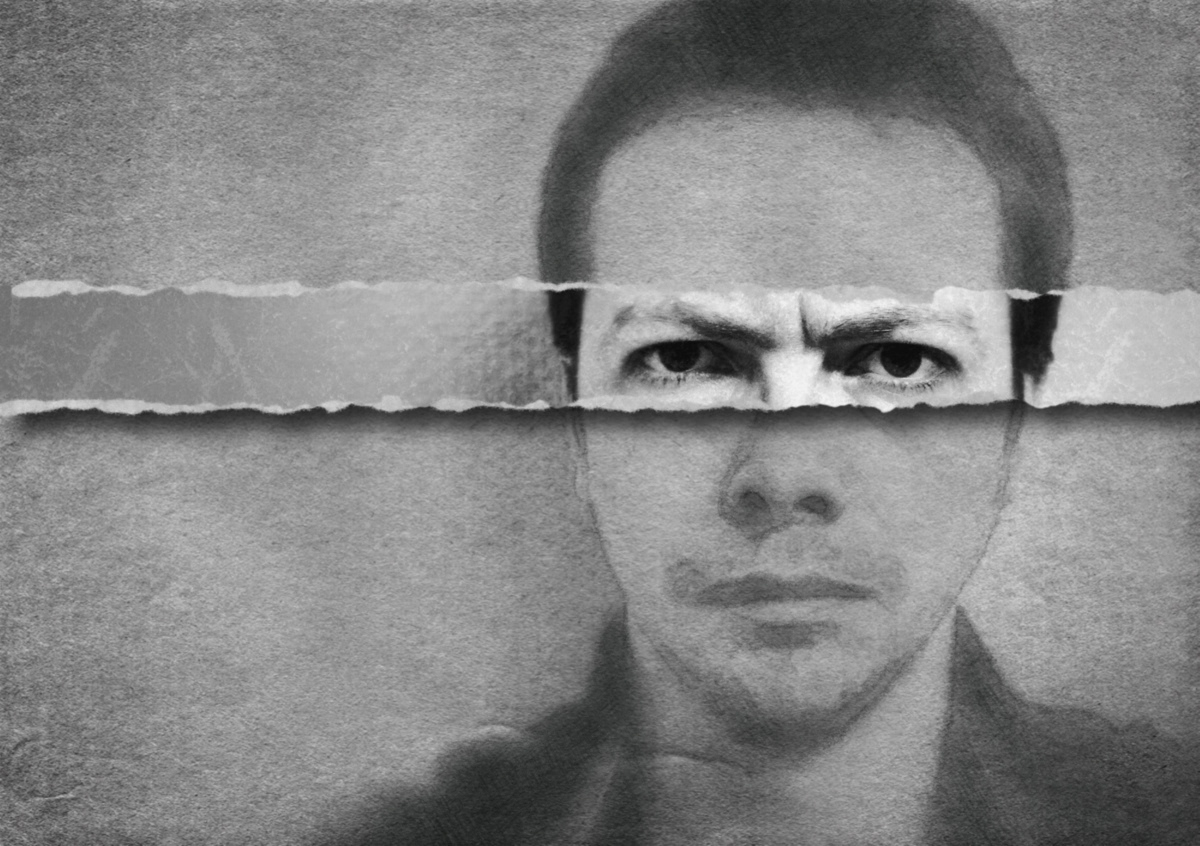
Self portrait
I used Snapseed (Black and white, focus point, grunge, drama) and Ripped from Reality.
I used Snapseed (Black and white, focus point, grunge, drama) and Ripped from Reality.


